For Loop
The For Loop repeats a set of nodes either over a numerical range or by iterating through an array from a previous node.
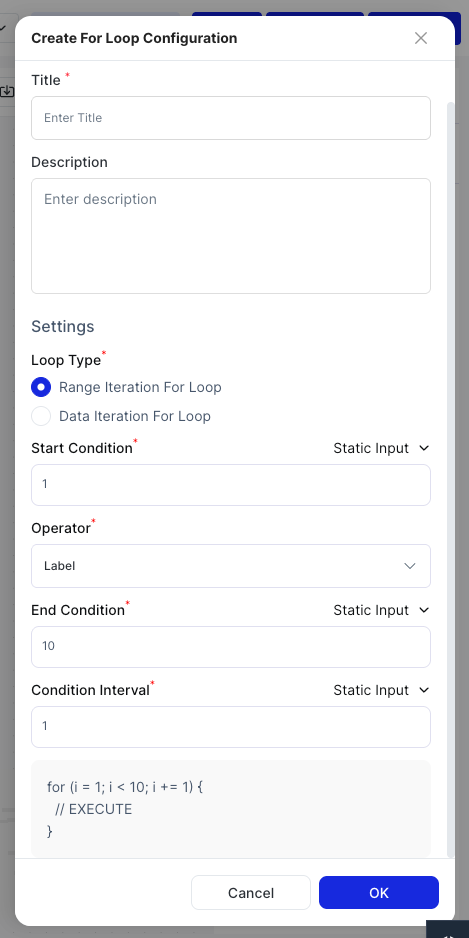
Configuration
| Field | Description |
|---|---|
| Title | A name for this loop node |
| Description | Optional notes about the loop's purpose |
| Loop Type | Range Iteration to loop over a number range, or Data Iteration to loop over an array |
Range Iteration
| Field | Description |
|---|---|
| Start Condition | The starting number (static value, previous node output, or variable) |
| End Condition | The ending number |
| Operator | When to stop: Less Than or Less Than or Equal To |
| Conditional Interval | The step size between each iteration |
Data Iteration
| Field | Description |
|---|---|
| Data Source | The array to iterate over, typically from a Retrieve Record or External API node |
Loop Canvas
Click Configure For Loop to open the nested canvas where you build the nodes that run on each iteration.
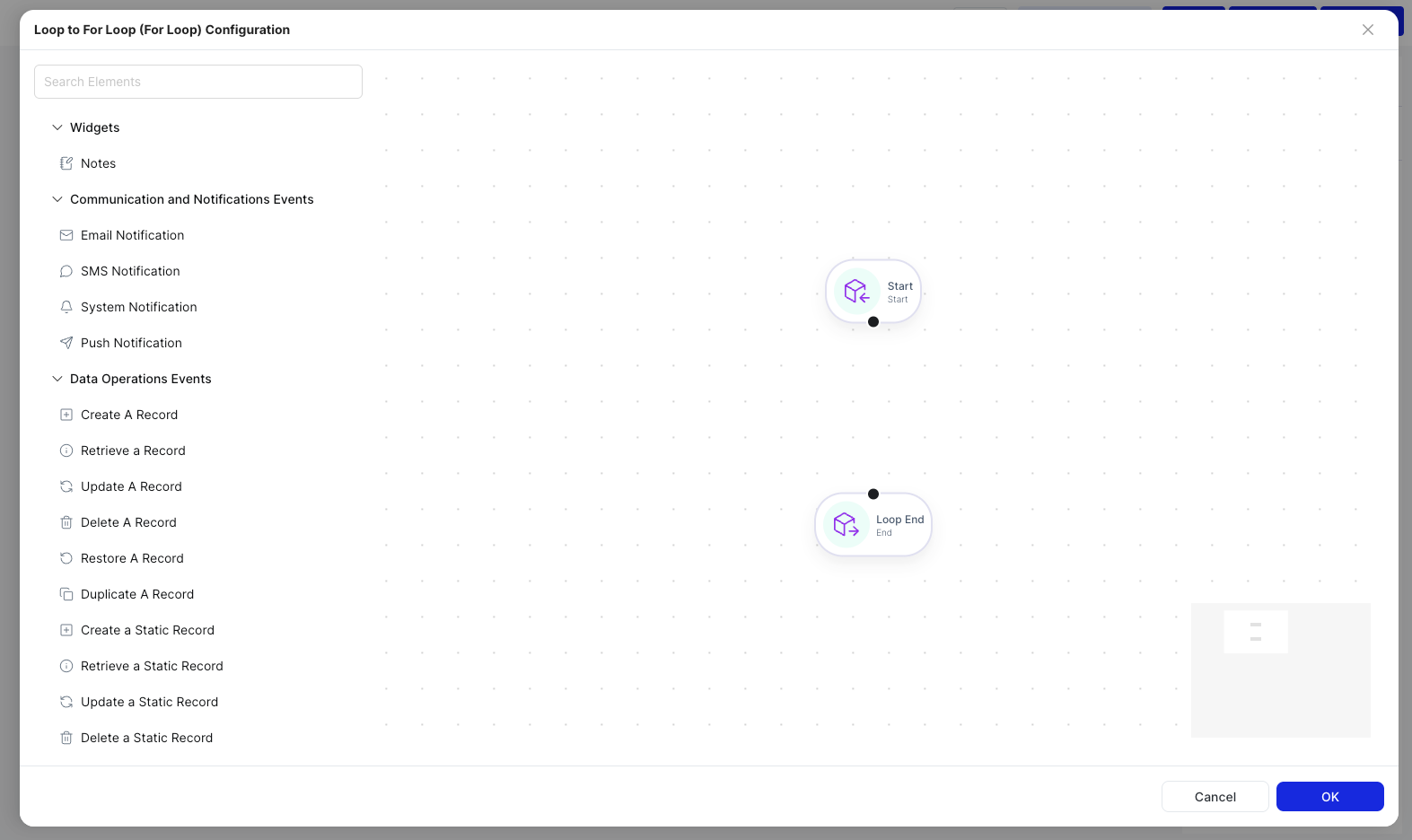
Add nodes between the Start and End nodes. Click Save to apply.