Column and Other Actions
Column Actions
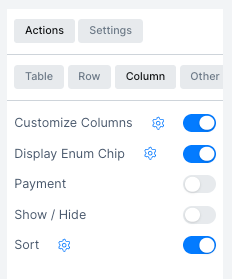
Column actions control how individual columns behave in the table. Configure them from the Actions > Column tab.
| Action | Description |
|---|---|
| Customize Columns | Choose which columns are visible in the table view |
| Display Enum Chip | Show enum values as colored chips using the colors defined in the Enumeration settings |
| Payment | Enable payment marking directly from the table |
| Show / Hide | Hide the column value by default; users can reveal it by clicking the eye icon |
| Sort | Allow users to sort the table by this column |
Other Actions
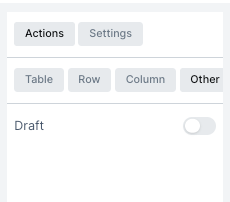
The Other tab contains actions that do not fit into the Table, Row, or Column categories.
| Action | Description |
|---|---|
| Draft | Enable a Draft state for records; drafted records are saved but not finalized |