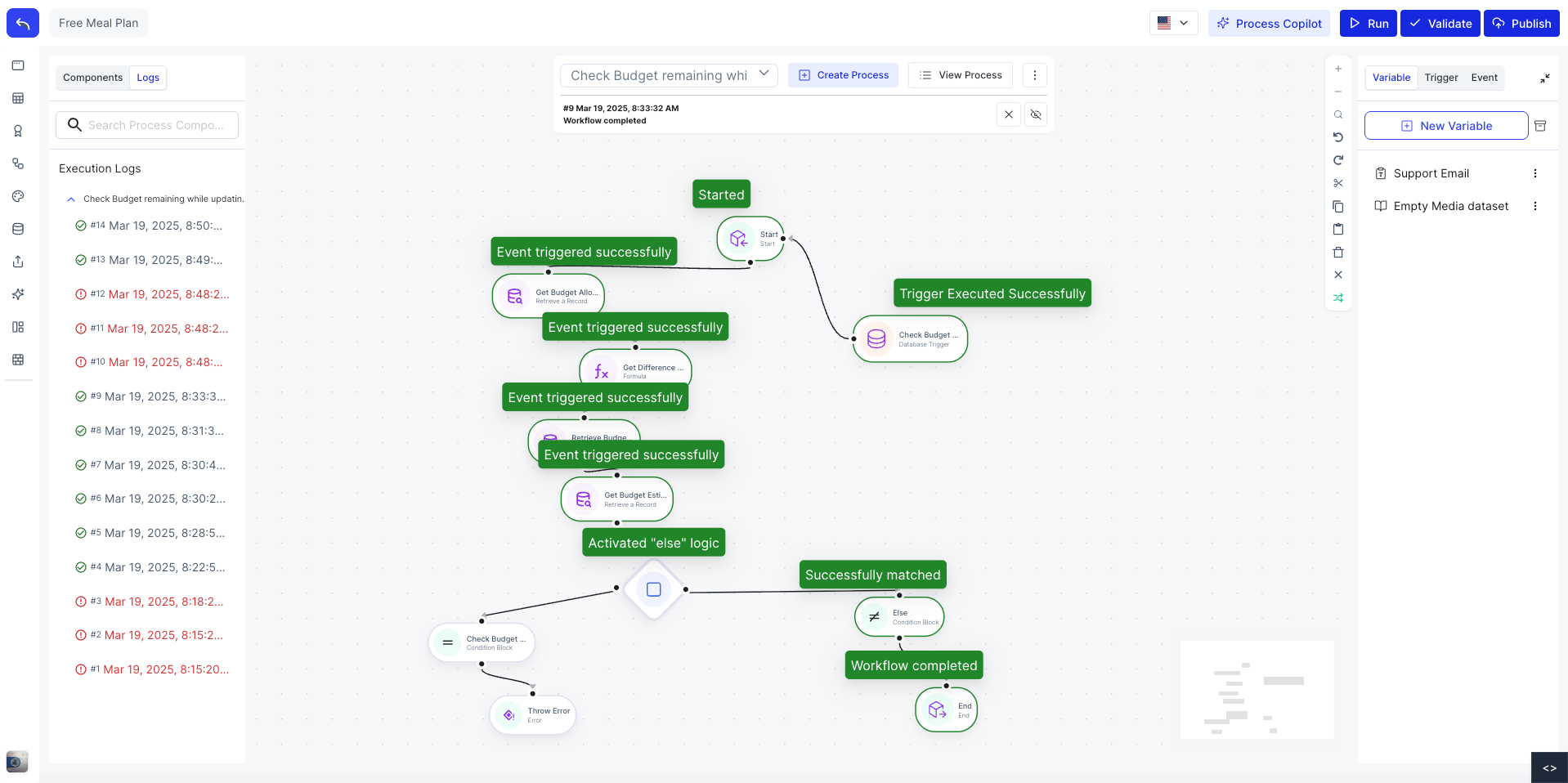
Process Orchestrator
The Process Orchestrator is a visual canvas where you can design and automate business processes using triggers, conditions, events, and loops. Each process runs automatically in response to data changes, schedules, API calls, or user actions.
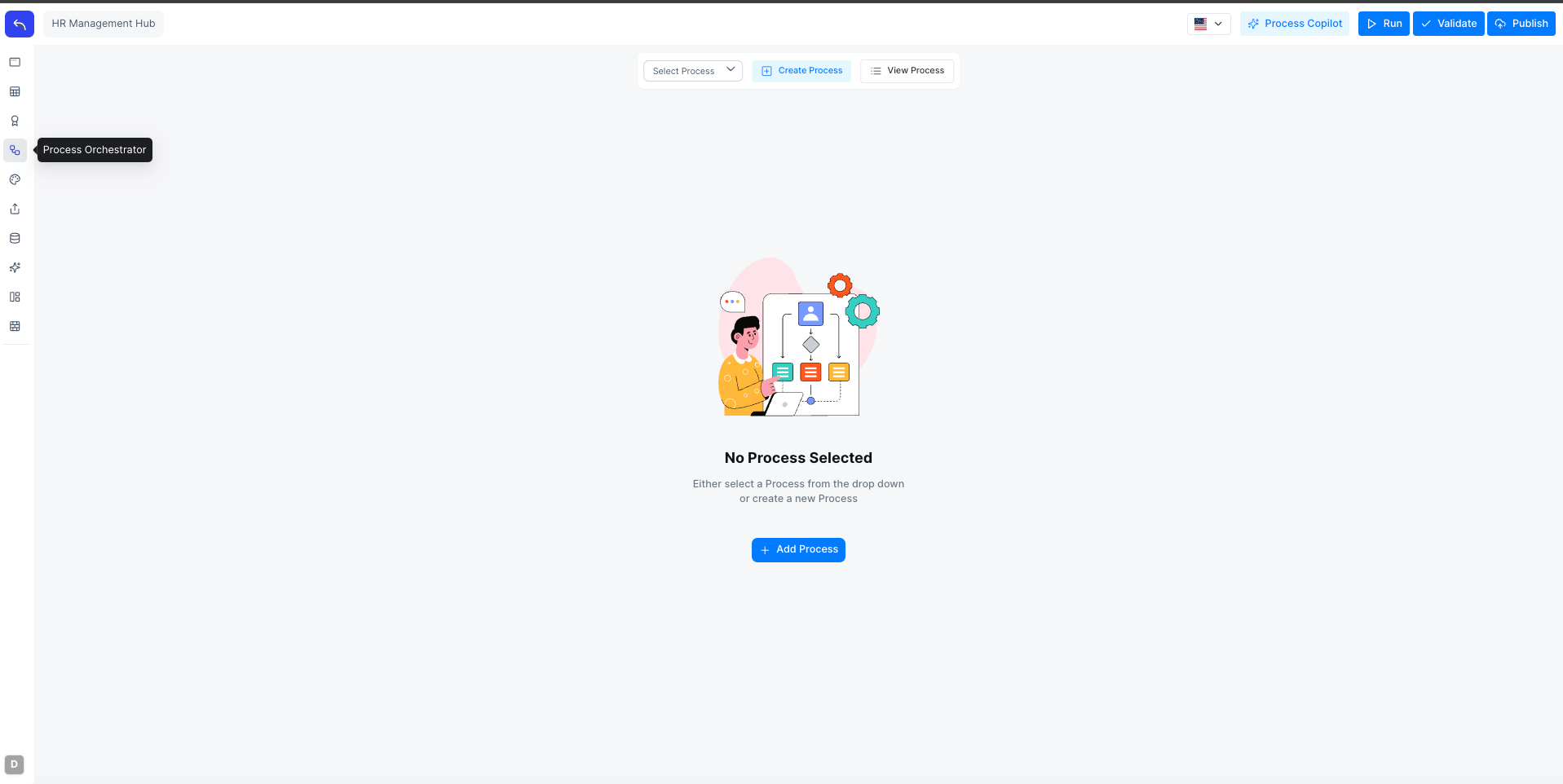
Accessing the Process Orchestrator
Click the Process Orchestrator icon in the left sidebar. Use the Select Process dropdown at the top to switch between saved processes, or click Create Process to create a new one.
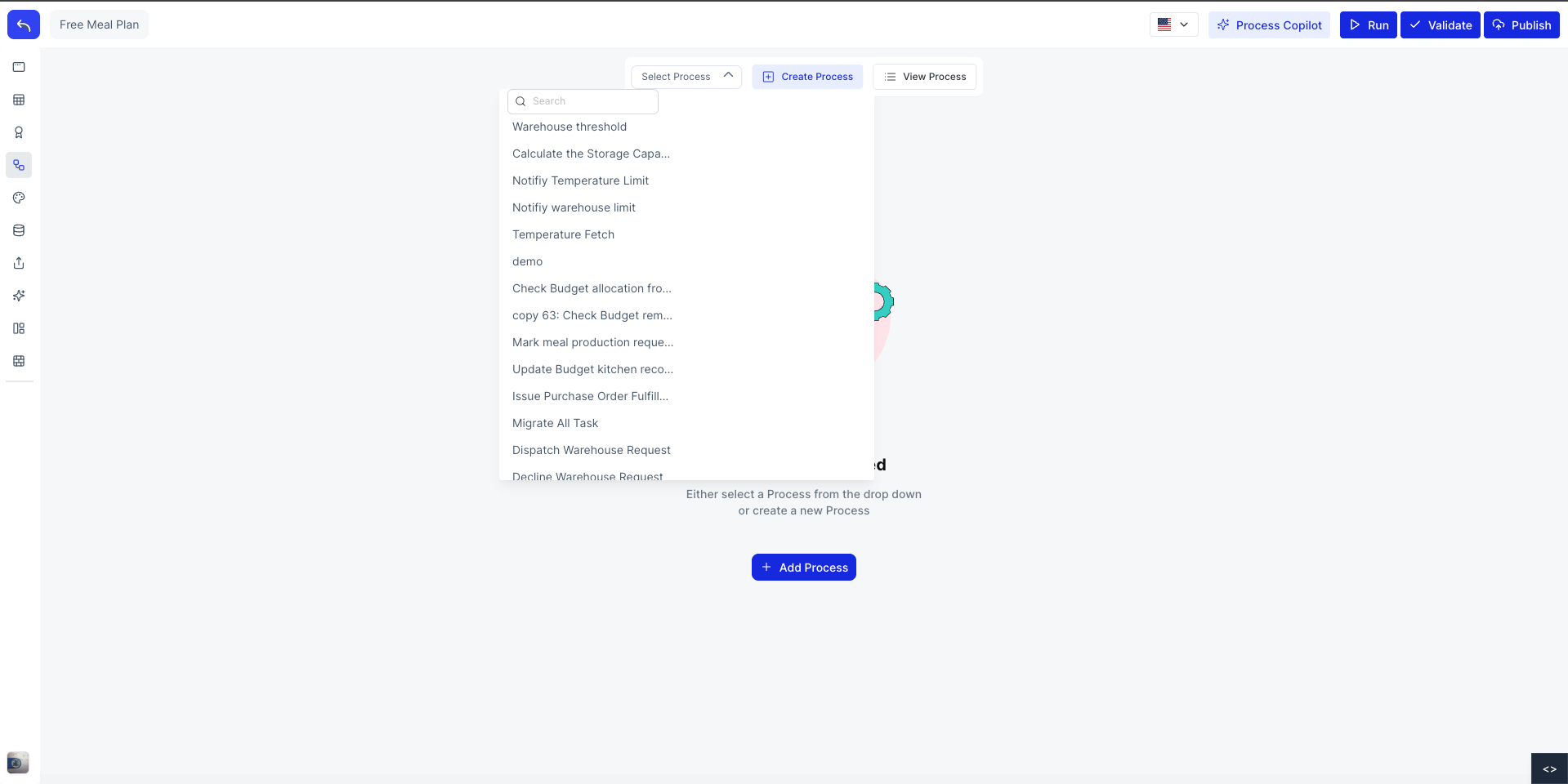
Creating a Process
Click Create Process next to the Select Process dropdown to open the Add Process dialog.
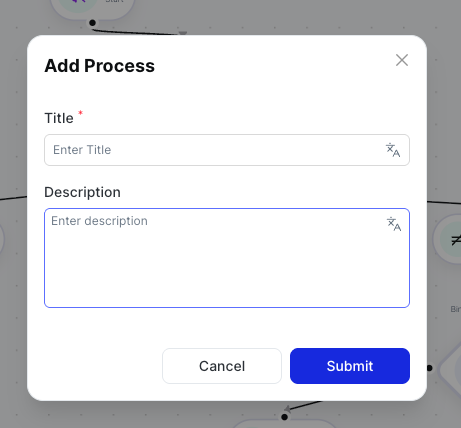
Enter a Title and optional Description, then click Submit. The canvas opens with a Start node and an End node already placed.
The Canvas
The canvas is where you build your process flow. Drag components from the left panel onto the canvas, connect nodes by dragging from one node's output handle to another's input handle, and configure each node using the right panel.
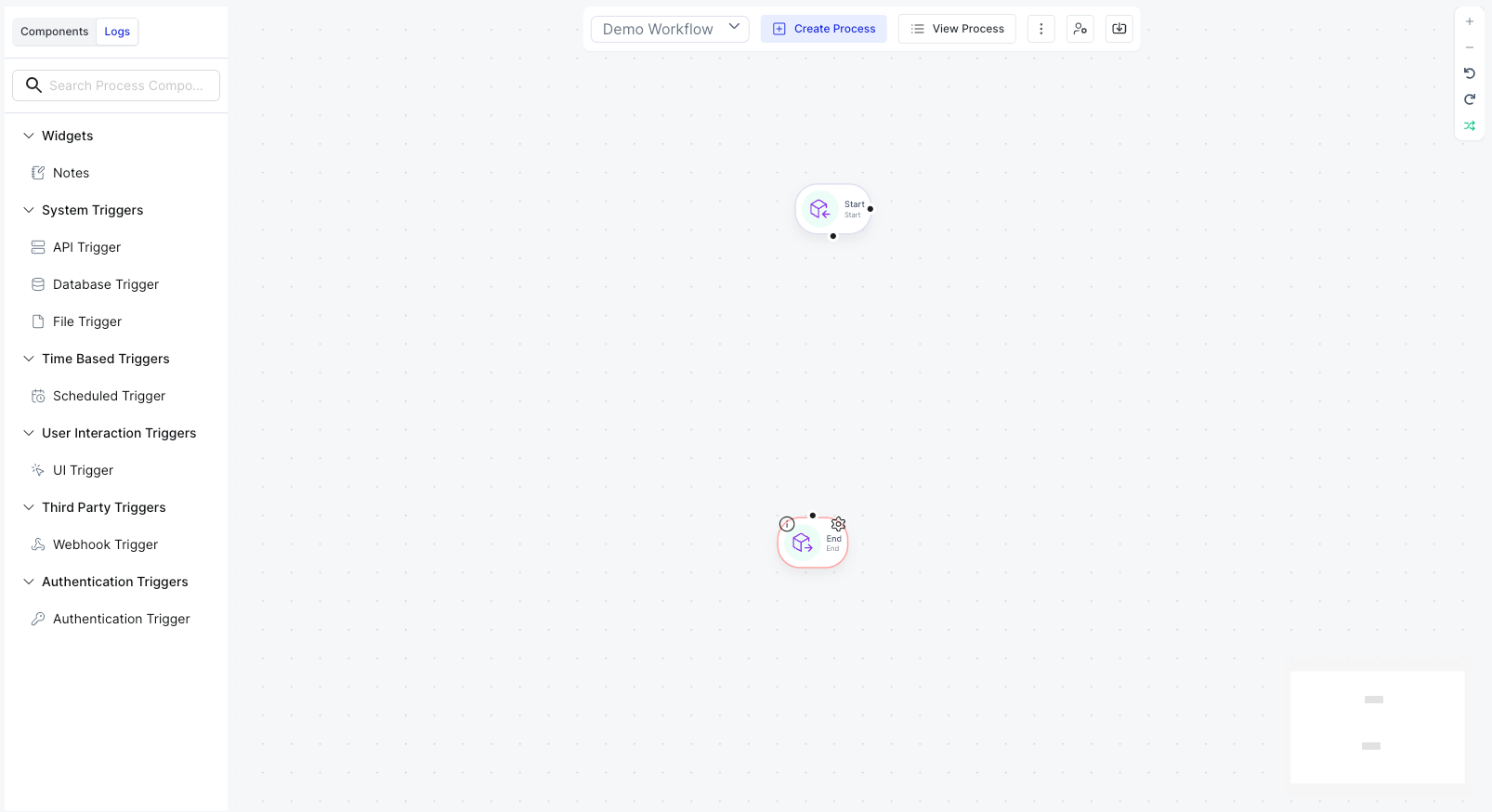
The left panel contains all available components grouped by category: Triggers, Events, Conditions, and Loops. Click any category header to expand it and see its components.
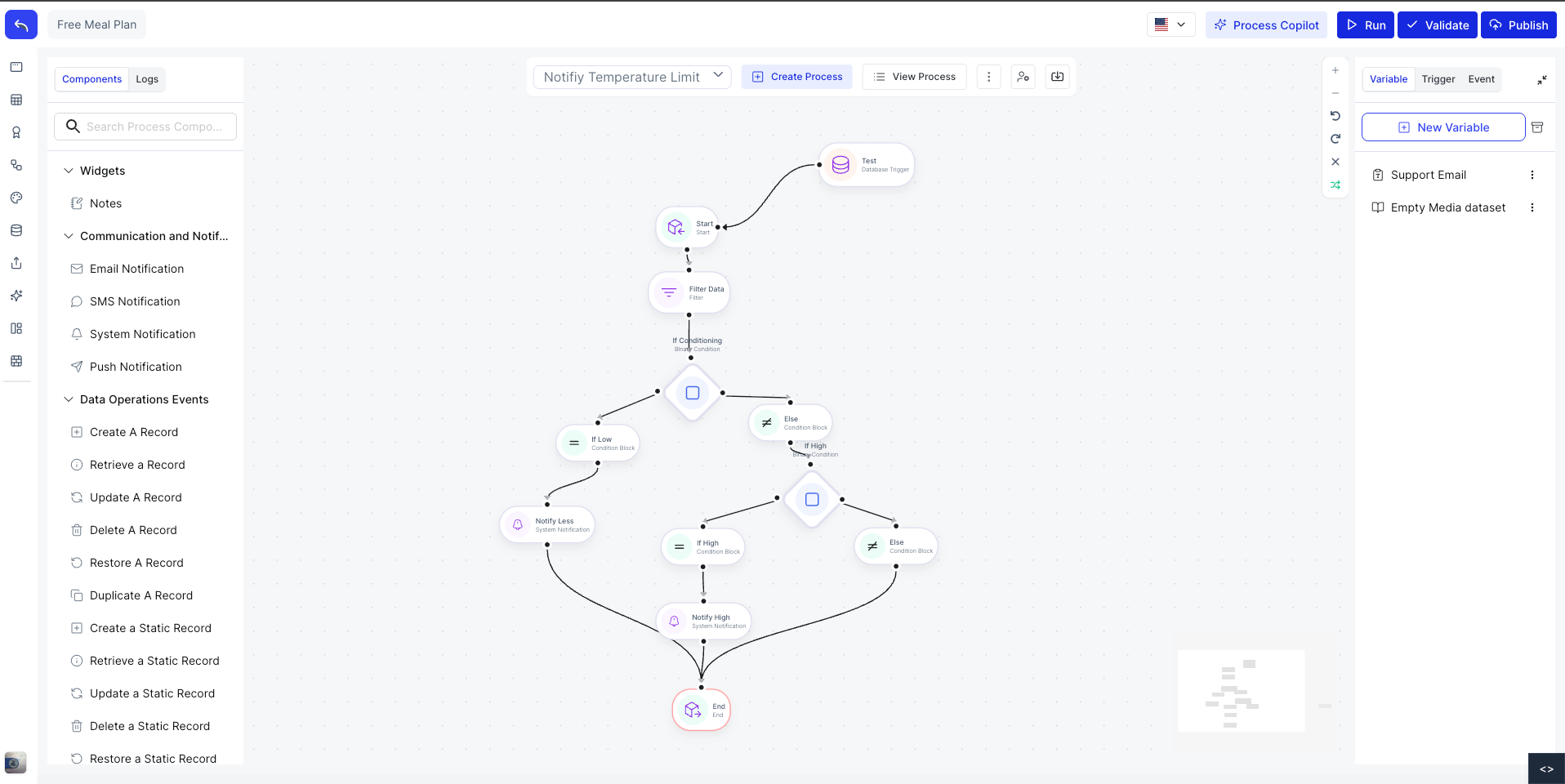
Logs
Click the Logs tab in the right panel to view the execution history for the selected process. Each log entry shows the run time, status, and which nodes were executed.