Unique Together
Unique Together prevents duplicate records by enforcing that a combination of fields must be unique across all records in the window. Unlike the per-field Unique validation, this applies to the combination, not each field individually.
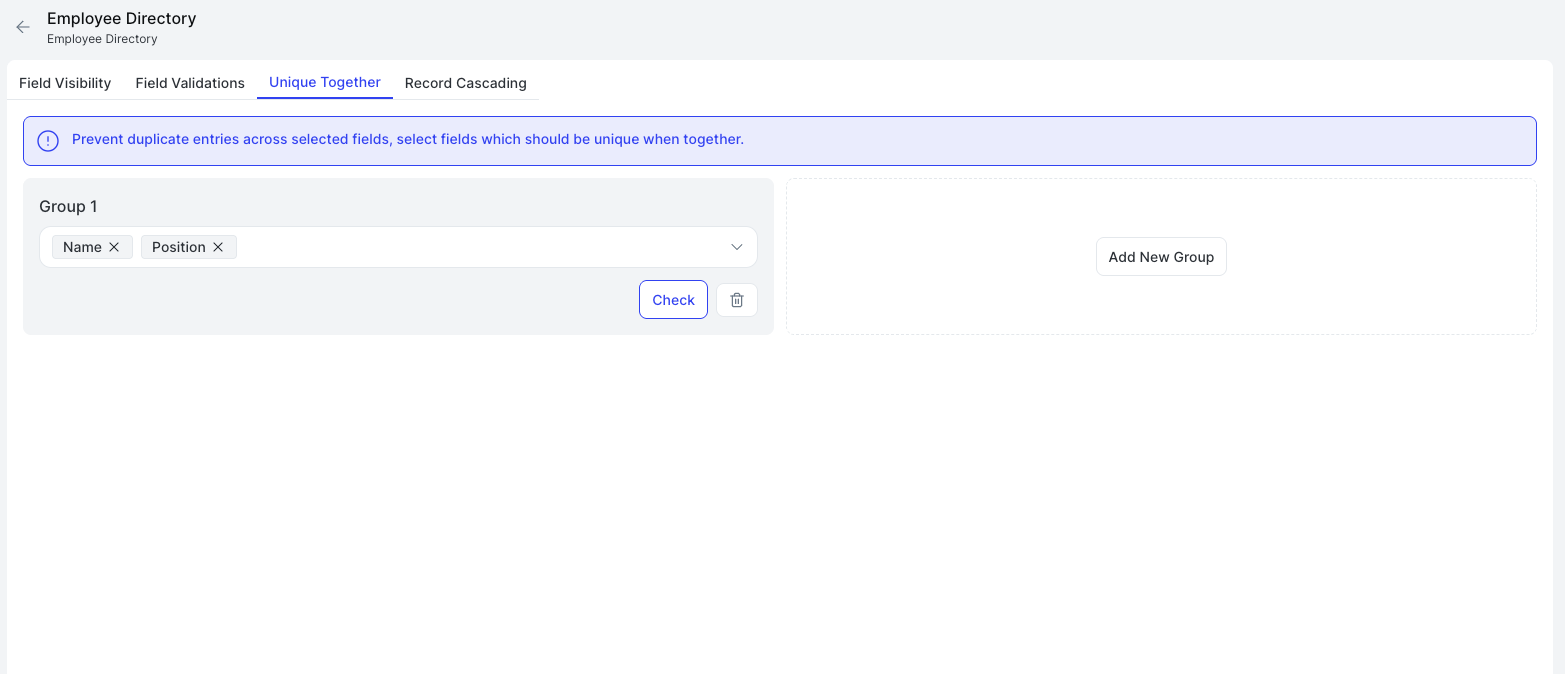
Setting Up a Group
- Select the fields that should be unique together from the dropdown. Each set of fields is a Group.
- Click Check to validate that no existing records already violate the constraint.
- Click Add New Group to define additional unique combinations.
Each group is independent. A record is rejected only if it matches all field values in the same group as an existing record.