Field Validation
Field Validation lets you set rules on each field to control what values are accepted and how the field behaves during data entry.
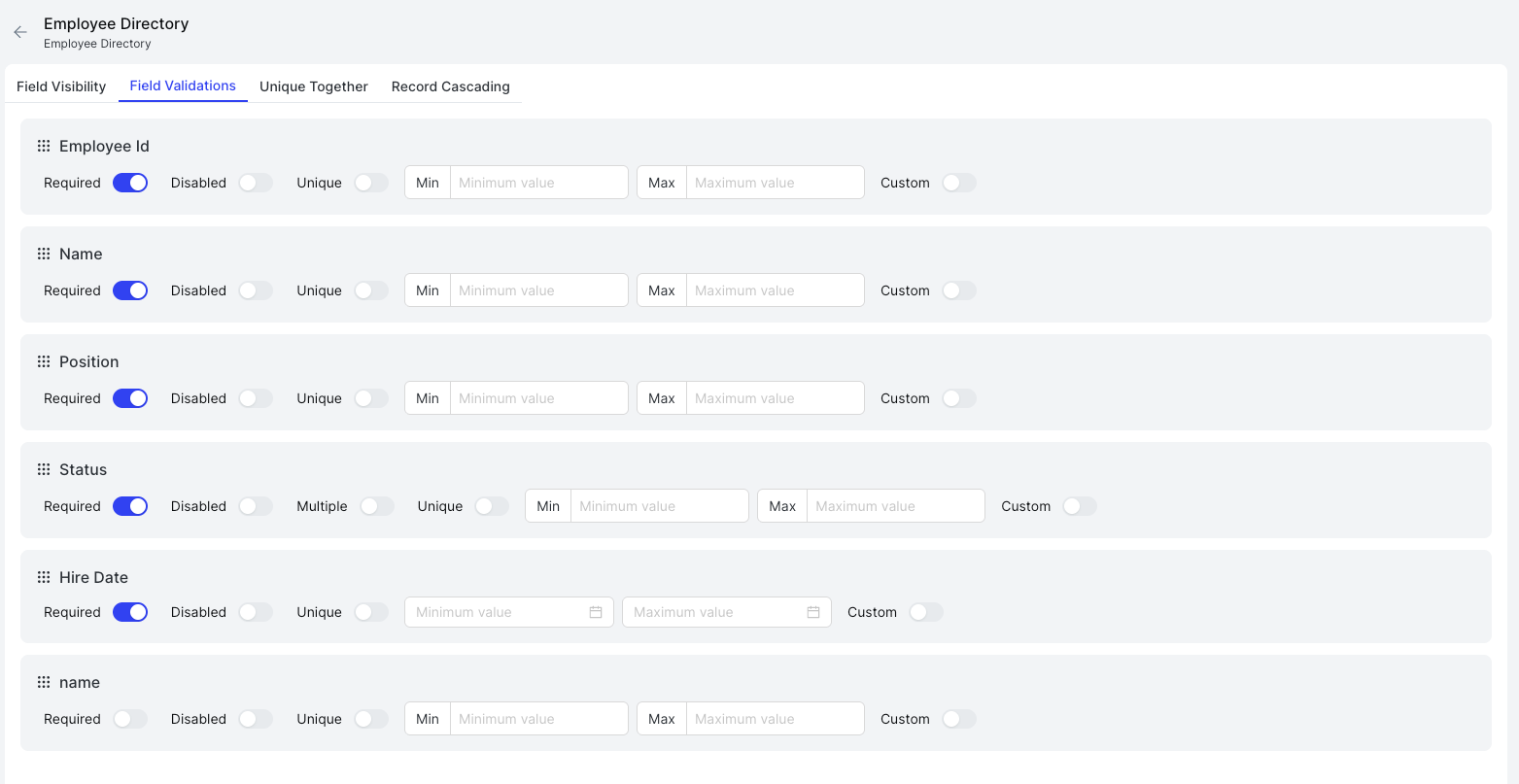
Each field in the window is listed with the following validation toggles:
| Validation | Description |
|---|---|
| Required | The field must be filled before the form can be submitted |
| Disabled | The field is read-only and cannot be edited by the user |
| Unique | The value entered must be unique across all records in this window |
| Multiple | Allows multiple values to be selected (available on applicable field types) |
| Min | The minimum allowed value (for numbers and dates) |
| Max | The maximum allowed value (for numbers and dates) |
| Custom | Define a custom validation expression with a message shown when the rule is violated |
Enable the toggles or fill in the values for each field as needed, then save the window.