Kanban
The Kanban view organizes records as cards grouped into columns based on a status or category field. Records can be moved between columns to update their status.
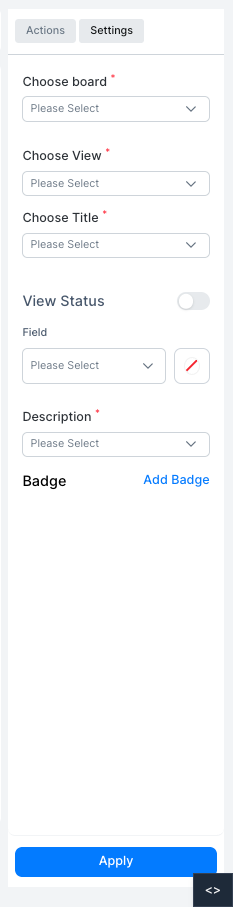
| Setting | Description |
|---|---|
| Choose board | The field used to define the Kanban columns |
| Choose View | The layout style for cards within each column |
| Choose Title | The field shown as the card heading |
| View Status | Toggle to show a status indicator on each card |
| Field | The field used as the status indicator |
| Description | The field shown as the card body |
| Badge | Add badge indicators to cards |
Click Apply to save the settings.